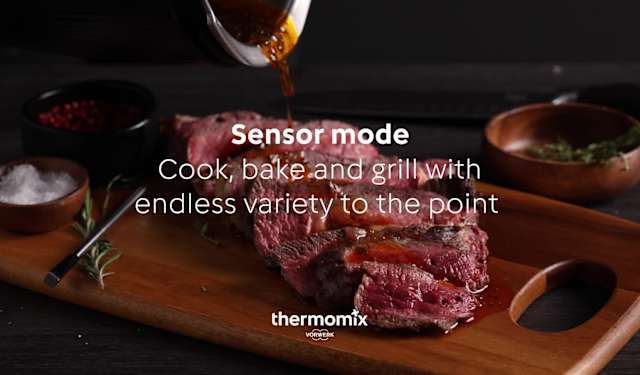
Thermomix® Sensor 

Mode Spotlight

Sensor Mode 

What is it?

Achieve culinary perfection with Thermomix® Sensor and Sensor Mode, a Bluetooth® cooking thermometer that can be used in your oven, pots, pans or barbecue. Cook with confidence as it measures both internal and ambient temperature, ensuring ideal cooking conditions for cakes, bread, meat and fish.

How does it work?

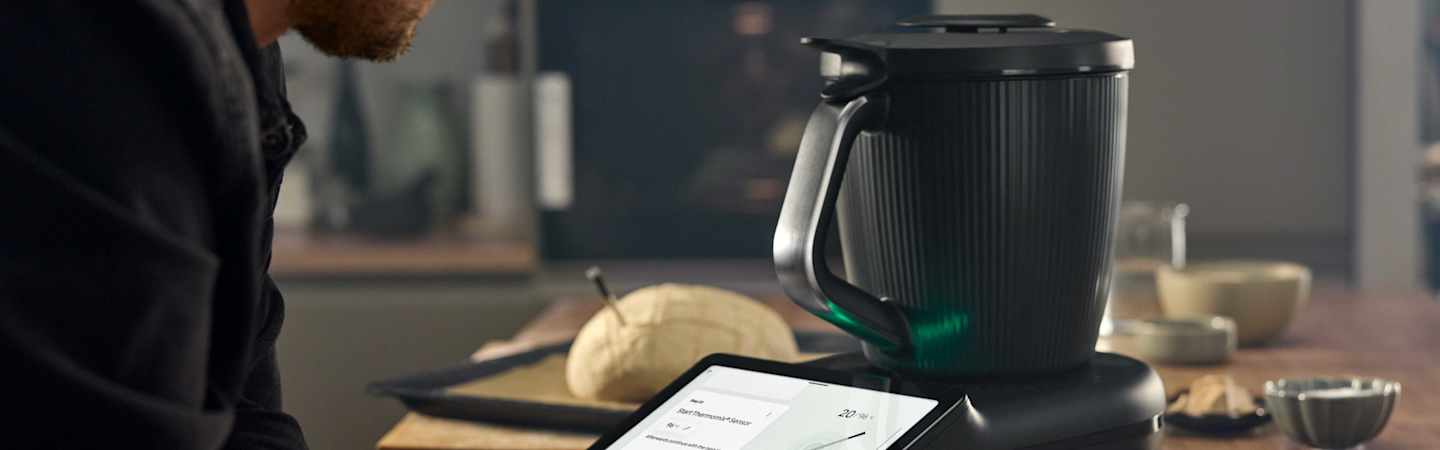
Sensor Mode connects to your Thermomix® Sensor via Bluetooth and ensures perfectly cooked food every time.

Works best for:

  • Newbies looking to gain confidence in the kitchen.
  • BBQ enthusiasts wanting to impress with food cooked to perfection.
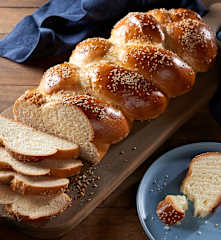
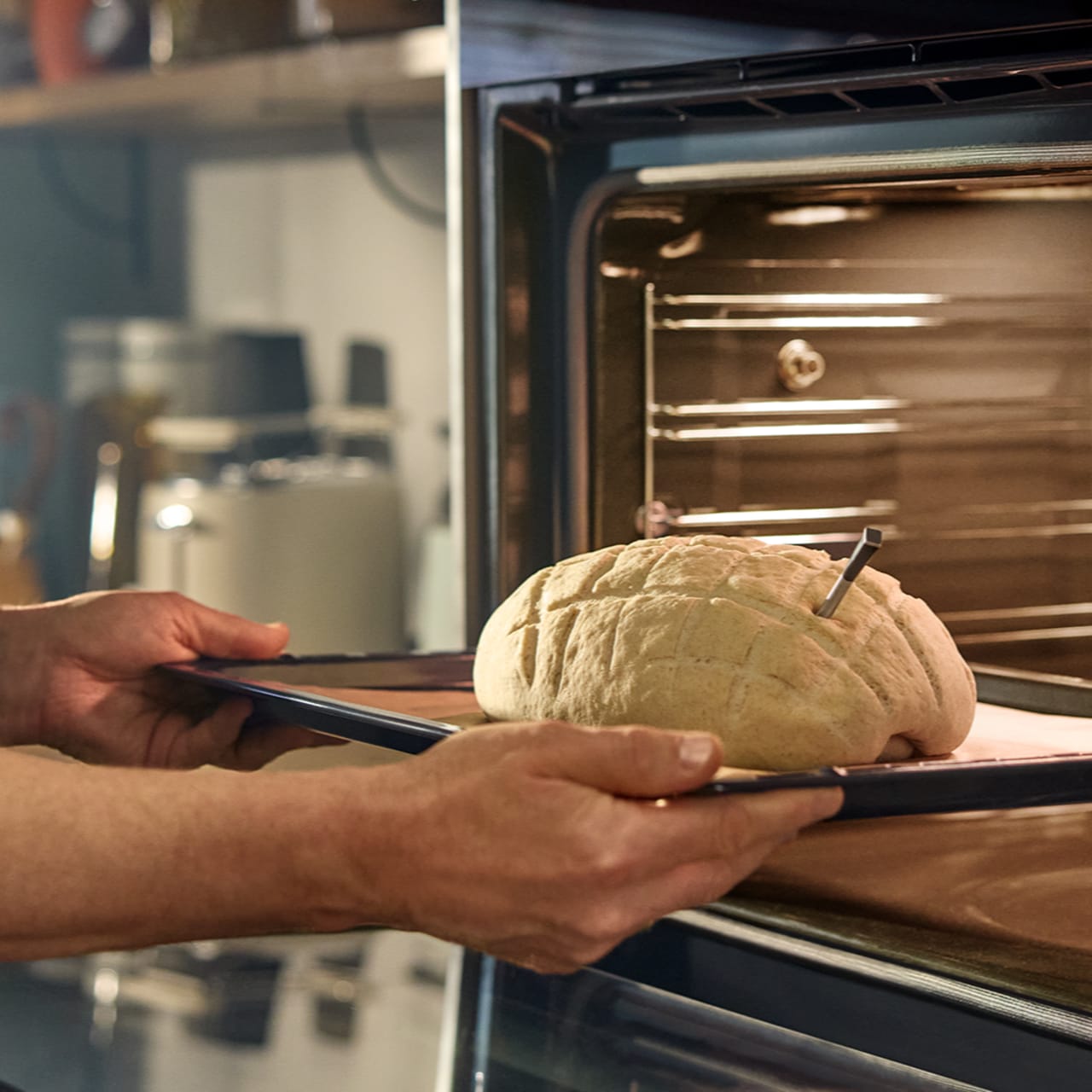
  • Bakers looking to get perfect baked loaves every time.

Sensor Compatible Recipes

Top Tips:

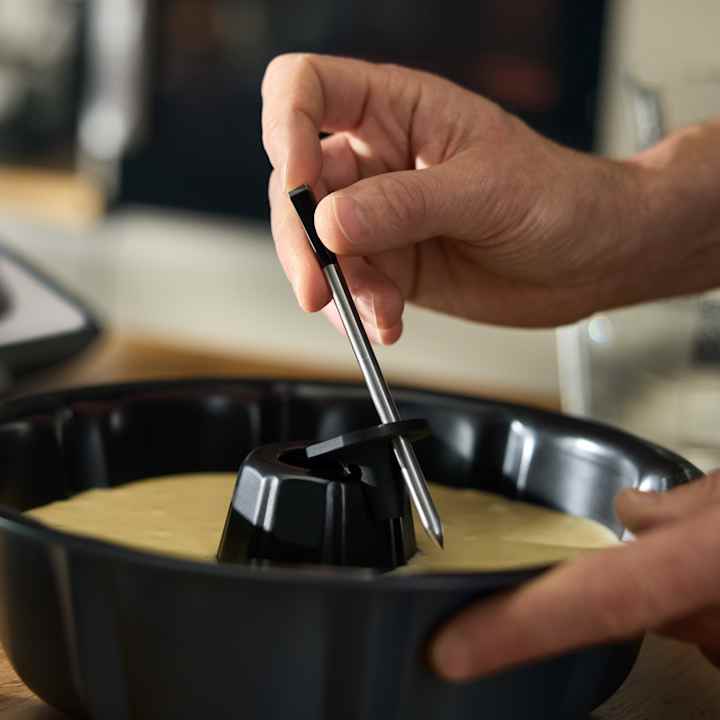
  • • For bone-in roasts, it is crucial to place the probe parallel to the bone.
  • • Place Thermomix® Sensor as close to the bone as possible without touching it.
  • • When baking bread, it is necessary to place Thermomix® Sensor in the largest “piece” of bread if cooking more than one. If making several pieces (tear and share) it should be placed in the largest piece.
  • • For casseroles, ensure Thermomix® Sensor is above the cooking liquid/stock.

Secrets to Success

Thermomix® Sensor

The kitchen accessory everyone needs.

Although each dish has its own cooking point, the precision of the Thermomix® Sensor will help you achieve perfection every time. Please note that the Thermomix® Sensor can only be purchased through a sales consultant. Contact your consultant or book a demonstration for more information.

Contact a Consultant

Baking Temperatures

  • Basic doughs - These contain flour, water or other non-fatty liquid, salt and yeast or another fermenting agent. They may also contain herbs, spices and seeds.
  • Rich doughs - In addition to flour, water, salt and yeast, they also contain fat (butter, lard, oil, sugar or honey, eggs, cream etc.). A rich dough can contain any of these ingredients.
  • Basic and fresh fruit cakes - Basic cakes contain little or no additional fat other than egg yolks (e.g. sponge cake). Fresh fruit cakes contain a significant amount of raw or cooked fruit or vegetables mixed into the batter (e.g. banana bread, carrot cake) plus additional ingredients such as butter.
  • Rich cakes - A basic cake with additional fat and/or ingredients such as chocolate, caramel and/or other creams or spreads (e.g. marble cake, lemon cake).
  • Dried fruit cakes - A rich cake containing a significant amount of dried fruits plus additional ingredients such as nuts, spices and peels (e.g. Christmas cake).
  • Other cakes - Cakes with a moister, softer, and creamier center (e.g., lava cakes).

Cooking Center App

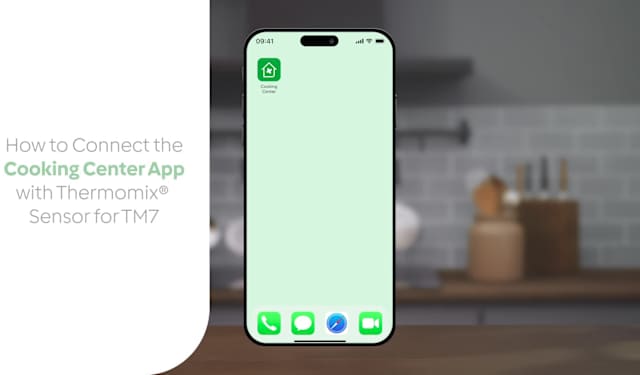
How to connect the Cooking Center App with Thermomix® Sensor for TM7™
Guided Cooking

How to use Guided Cooking with the Thermomix® Sensor for TM7™

  1. Start preparing your recipe and, when indicated, insert the Sensor probe into poultry, meat, fish, cake or bread
  2. Select "set the temperature", then place the food in the oven, frying pan or grill, depending on the type of recipe you are preparing
  3. Ensure that the charger is always near the probe (e.g. when baking, place the charger close to the oven)
  4. Follow the recipe through the Cooking Center - available on Thermomix® screen or in the mobile app
  5. Relax and wait for your smartphone/Thermomix® to notify you that your recipe is ready.

Try Out These

Turn a Guess into Success

Go beyond the bowl and extend the Thermomix® guided cooking to your oven, pan and barbecue with the Thermomix® smart thermometer.

Learn More